


From Phone to Frame
Capturing memories on your phone is easy—but sharing and enjoying them shouldn’t be complicated. With the PhotoShare Frame app, transferring photos and video clips from your phone to your digital frame takes just moments. Whether it’s everyday snapshots, special celebrations, or quick video memories, PhotoShare makes it simple to bring your favorite moments out of your phone and onto a beautiful display everyone can enjoy.
Easy Steps to Send Photos from Phone to Frame
-
Download the PhotoShare Frame App
Start by downloading the PhotoShare Frame app on your smartphone and signing in or creating an account. -
Select the Frame
Choose the PhotoShare Frame you want to send photos or videos to—perfect for your own home or a loved one’s frame. -
Choose Your Photos or Videos
Browse your phone’s gallery and select the photos or video clips you’d like to share. -
Edit Your Memories
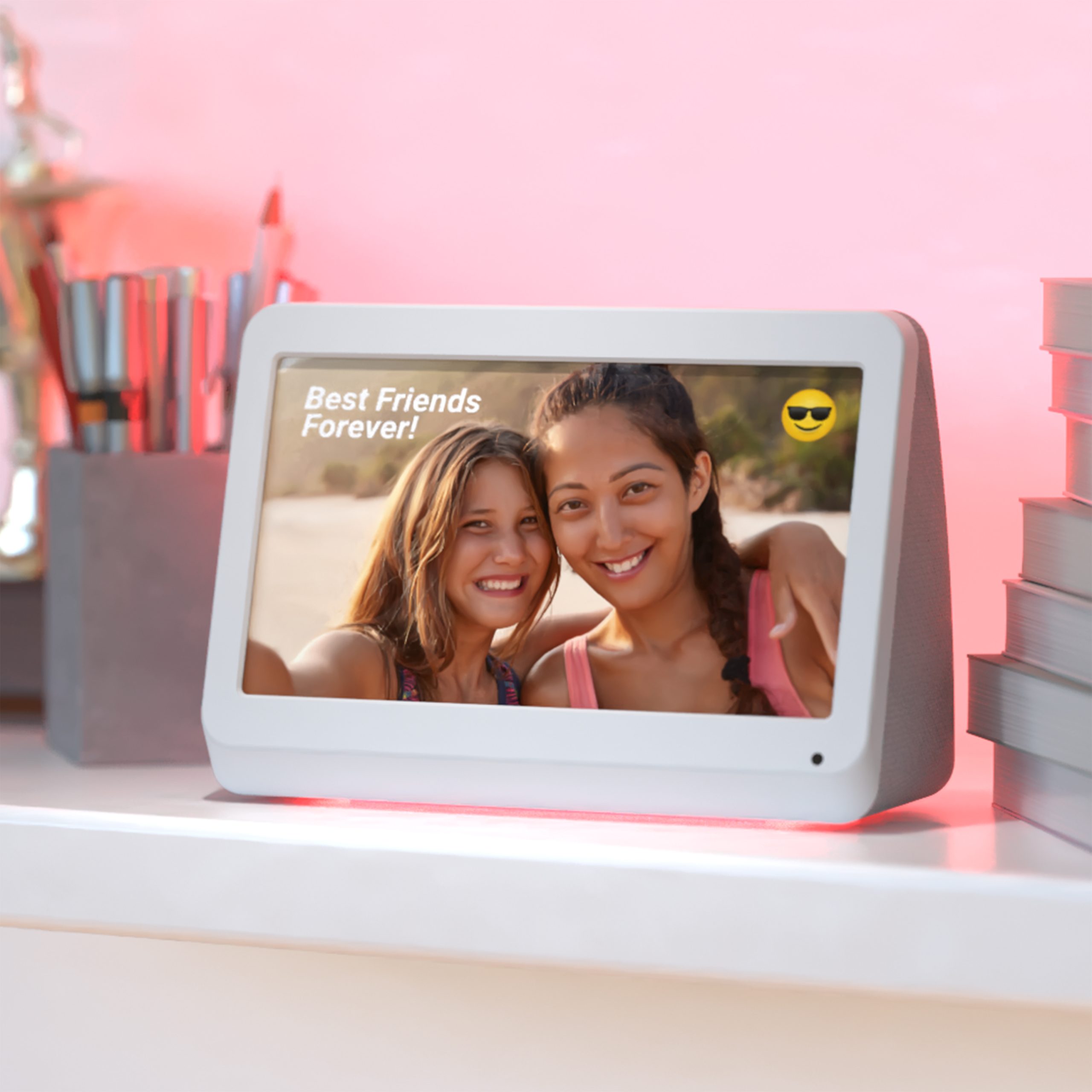
Customize your photos with easy editing tools like cropping, filters, brightness adjustments, and even adding text or captions. -
Send to the Frame
Once you’re happy with your edits, tap send. Your photos and videos will be delivered directly to the selected frame.
Enjoy the Memories on Display
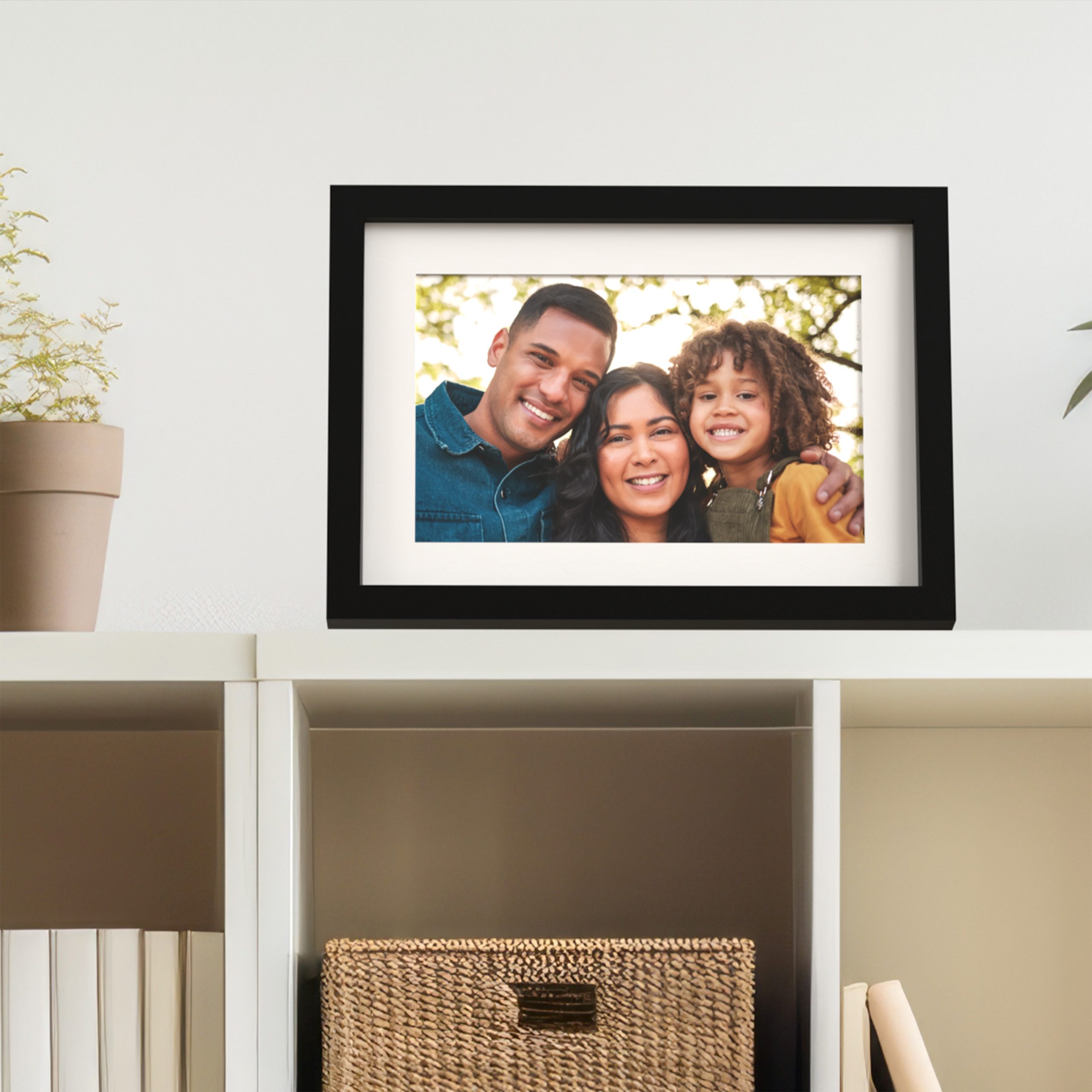
That’s it—your favorite moments are now beautifully showcased on your PhotoShare Frame. No cables, no complicated steps, just effortless sharing that keeps memories alive and visible every day. From phone to frame, PhotoShare makes it easy to relive life’s best moments whenever you walk by.